DSLR HD Camera: Best Mobile Camera APP Like DSLR: Today we all love to take beautiful photos. But many people think that without a DSLR camera it is not possible to take professional quality photos. The truth is it is not fully right. Now there are many mobile camera apps that can take high quality shots with blur and bright color like DSLR. These apps help to use your mobile camera in a better way. If you only fix some settings, you can take photos like a professional. So today I will talk about Best Mobile Camera APP Like DSLR.
The biggest, good thing is that these apps are very easy to use. Even new users can learn in a few minutes how to use them. In this blog I will tell you about some best camera app like dslr for android that help to take photos like DSLR. Also, I will show step by step how to use them so that you can understand easily.
Best Mobile Camera APP Like DSLR
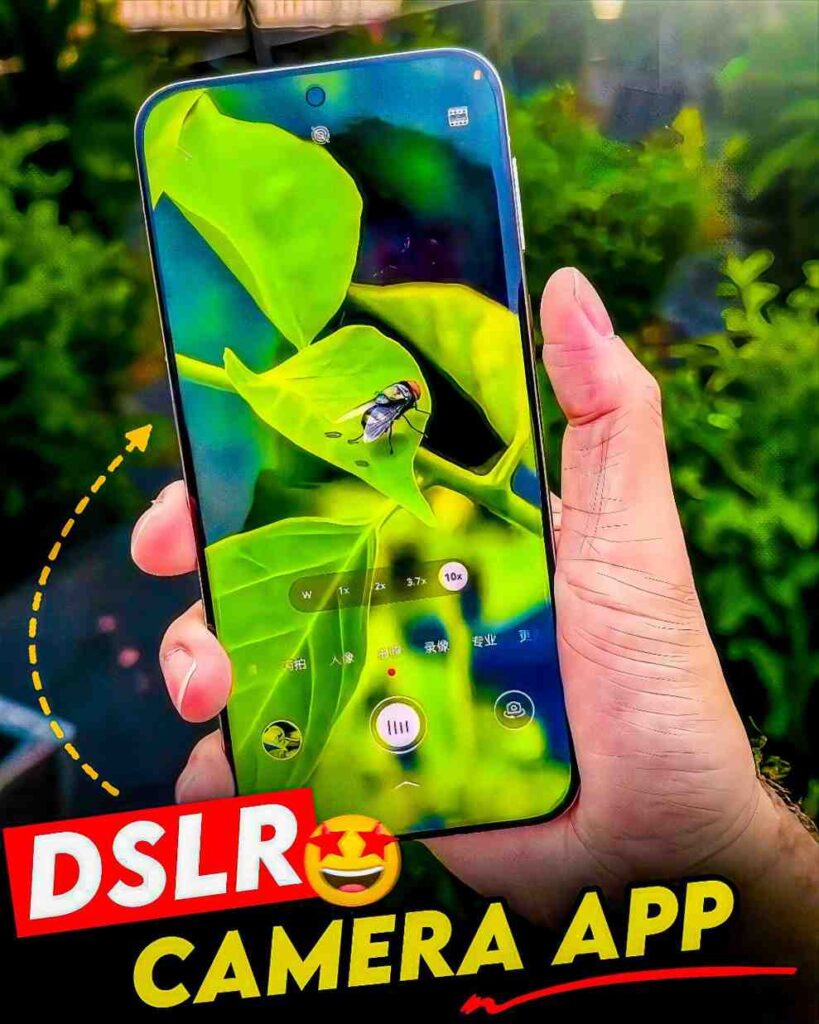
Now many phones already have good cameras. But if the app settings are not used in the right way the photo will not look like a DSLR photo. So, we need a good app. At present some apps are very popular. Among them the most useful one is Focus and DSLR. You can fix this app in your own way. So, you can make the background blur make the color bright or take a clear photo at night. Also, this app is free and works on most Android phones.
If you love to shoot video this app is also very good because it has 4K video recording and frame rate control. These give you the same feeling as a DSLR. So do not wait I will say try it once especially if your mobile camera is not so good.
How To Use Best Mobile Camera APP Like DSLR
Now you may have a question how we can use it. The answer is here. If your mobile camera takes bad photos or you face problems while taking photos this is the solution for you. Let us see how to make your mobile camera work like a DSLR.
- First open Google Play Store on your phone and search Focus and DSLR.
- You will see the app on your screen. Install it. After a few seconds it will be ready. Then open the app.
- When you open it you have to sign in with Gmail. Then you will see many options. There will be an option called Shooting. Click on it.
- After clicking you have to give some permissions. Allow them all carefully. Then your camera will open. Now take one photo.
- After taking the photo you will see it on the right side. Click on it. Then you will see an option named Relens. Click there and wait a few seconds. After that the Relens photo will come in front of you.
- Below there are more editing options. You can use them to make your photo look more professional. To save your photo there is a Save button at the top. Click it and your photo will be saved in the gallery.
Conclusion
Even if you do not have a DSLR you do not need to feel sad. If you use a good mobile camera app you can take professional quality photos. Just choose the right app and use the settings in the right way. Then every photo you take will be perfect.
If you never worked with editing or camera settings before do not worry. These apps are very simple and easy to use. You can take bright and nice photos both in day and night.
So today install a best camera apps like dslr Focus and DSLR and show your creativity through photos. If you already used this app or will use it in the future when you post your photo on social media do not forget to share with us. We want to see if your mobile photo looks like a DSLR photo or not.
Joy Maa Monosha. Please continue to support me this way. Please stay by my side just like this. Without your support, nothing is possible for me.