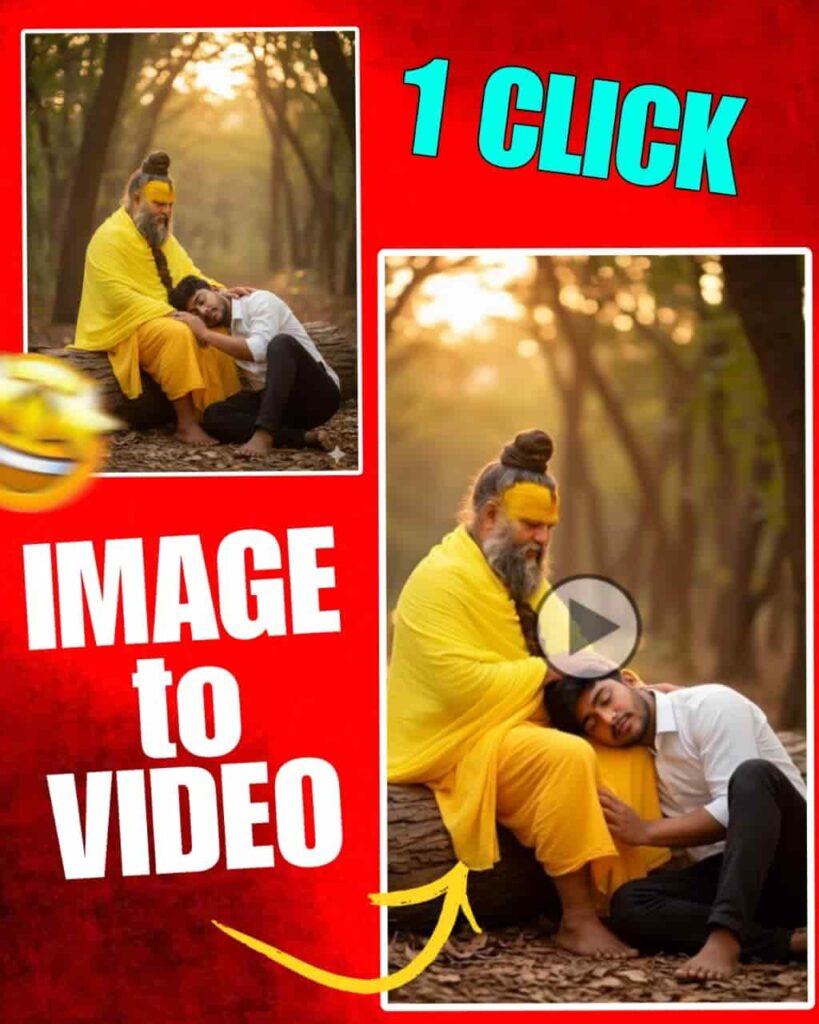
Today photo editing has become very easy, because now AI tools can be used. Before, to edit a photo you had to learn separate software, and it also took a lot of time.
But now there are tools like Gemini AI, where you just write one prompt and the photo gets edited. Prompt means you write in short words what change you want in the photo. For example, you want the light in the photo to be brighter, if you write this to Gemini it will understand and change the photo.
This is also very easy for new users, because you do not need much technical knowledge here. You only need to know how to write. So in this blog we will learn how to use Gemini AI Photo Prompt and how to edit photos in a simple way. So without delay, below we have given the full process. In simple words you just have to follow them with patience.
Gemini ai photo prompt copy paste
Gemini AI Photo Prompt is actually a kind of shortcut. Here you do not need to think too much, because many prompts are already made, which you can just copy and paste. For example, you want your photo to have light like sunset, then if you copy that prompt and paste it in Gemini the photo will be edited. Again, you want the photo to look a little like cartoon, there is also a prompt for that.
So one big advantage of using Gemini is you do not have to write too much yourself. You just need to find the right prompt and copy paste it. This saves time, and the photo also looks good. So new users who do not understand editing can also easily make beautiful photos with this. So those who till now do not know anything about editing, for them this is a big Durga Puja gift from us.




How to edit photo using Gemini prompt
- Editing a photo with Gemini is really very easy. If you do not have the Gemini App, then install it from the Play Store.
- First you have to upload the photo that you want to edit. On the right side there will be a plus icon, if you press there you will see the option to upload photo.
- Then you have to write a prompt or copy and paste a prompt. You will get the prompt on our website.
- Next to it there will be a send option. If you click there, in a few seconds your photo will be created and come to you.
- Do not forget to tell us in comment how you liked the photo. To save the photo in gallery, you have to click on the photo. On the top there will be a button, if you click there your photo will be saved in the gallery.
- If you edit like this, the photo will look fully professional. The best part is Gemini is made in such a way, that even people without much experience can use it.
Conclusion
Gemini AI Photo Prompt is really a very good and easy way to edit photos. Before, if we wanted to make a photo beautiful, it took a lot of time. We had to install separate software, then learn to use tools. For many people these works felt very hard. But now Gemini AI has made the whole matter very easy. Here you just have to write or copy paste what change you want in the photo.
The most important thing is this is very helpful for new users. Those who never had experience in photo editing can also easily use this tool to change background, fix photo color, and even style the photo in a new way. It will take less time, and the result will be beautiful. So, if you want a very easy and fast way to edit photos, then Gemini AI can be the best for you.